


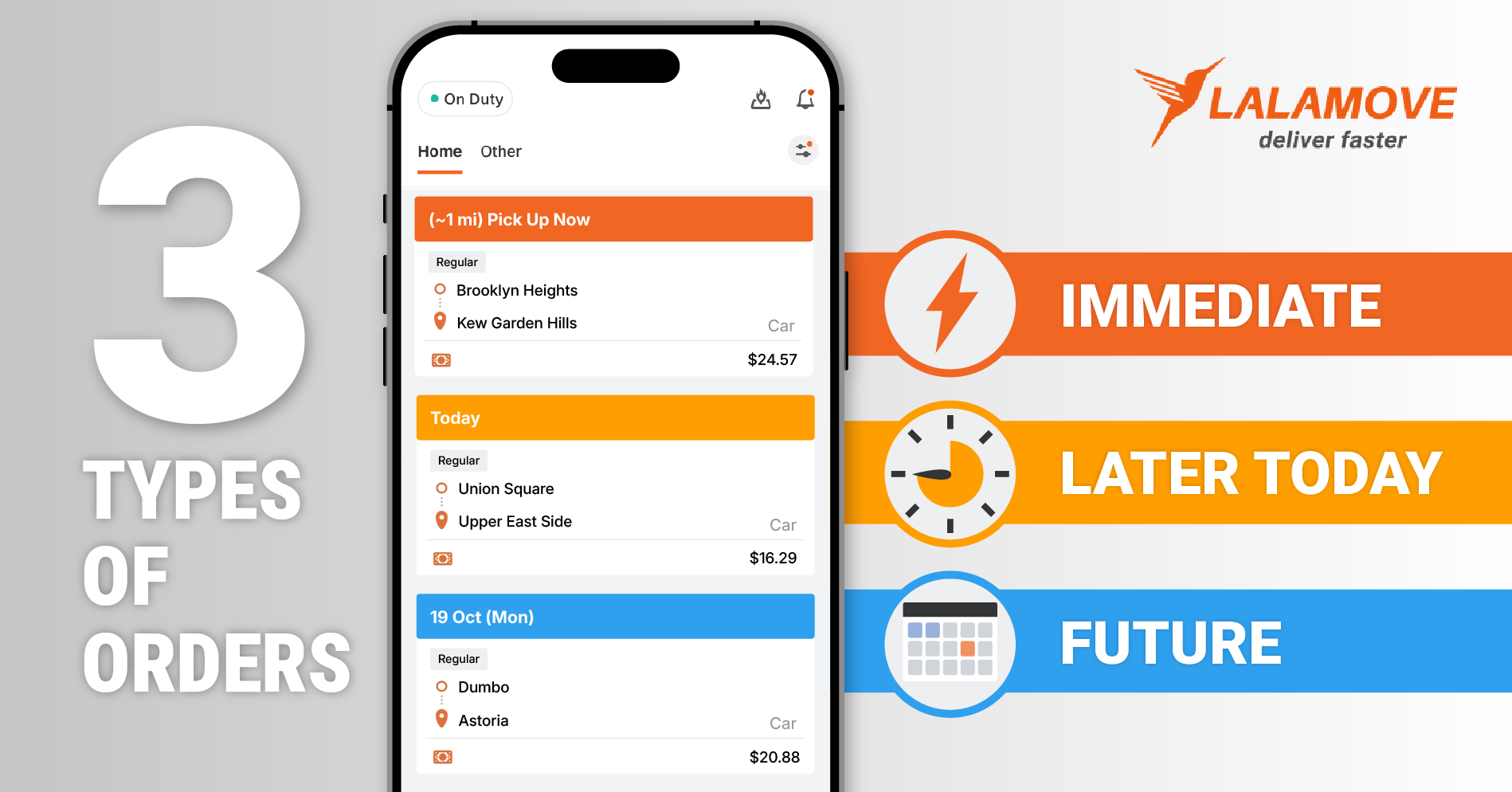
Knowing when to arrive for a Lalamove delivery helps you plan your day and keep orders running smoothly.
The Lalamove Driver App uses color-coded order types to help you identify when a pickup is scheduled. Whether an order needs immediate attention, is scheduled for later today, or is set for a future date, the color bar makes it easier to check the timing at a glance.
Here's how to identify each order type and what to keep in mind before heading to the pickup.
Red: Immediate Pickup
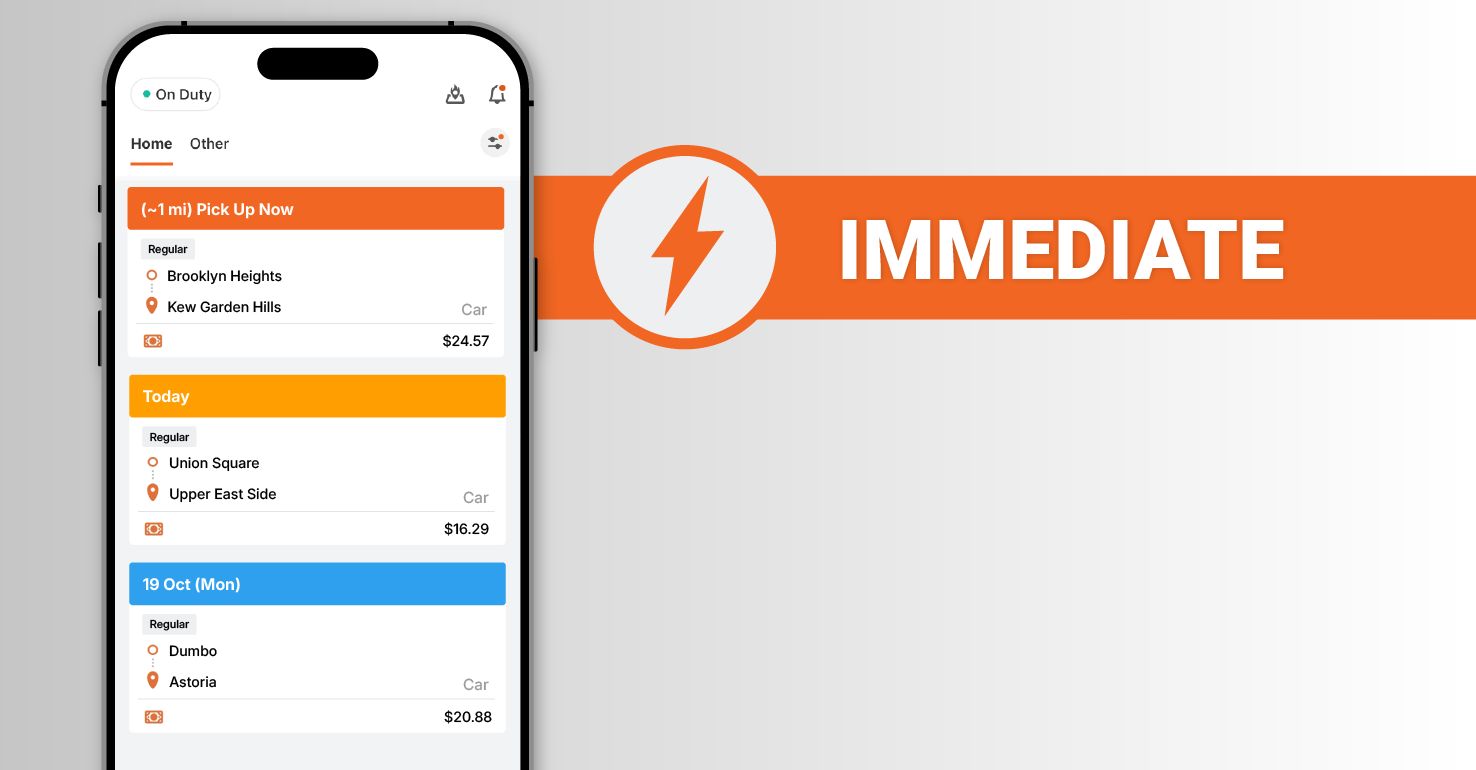
Orders with a red bar indicate an immediate pickup. After accepting this order, the Delivery Partner must immediately head to the pickup location and begin the delivery.
Orange: Later Today Pickup
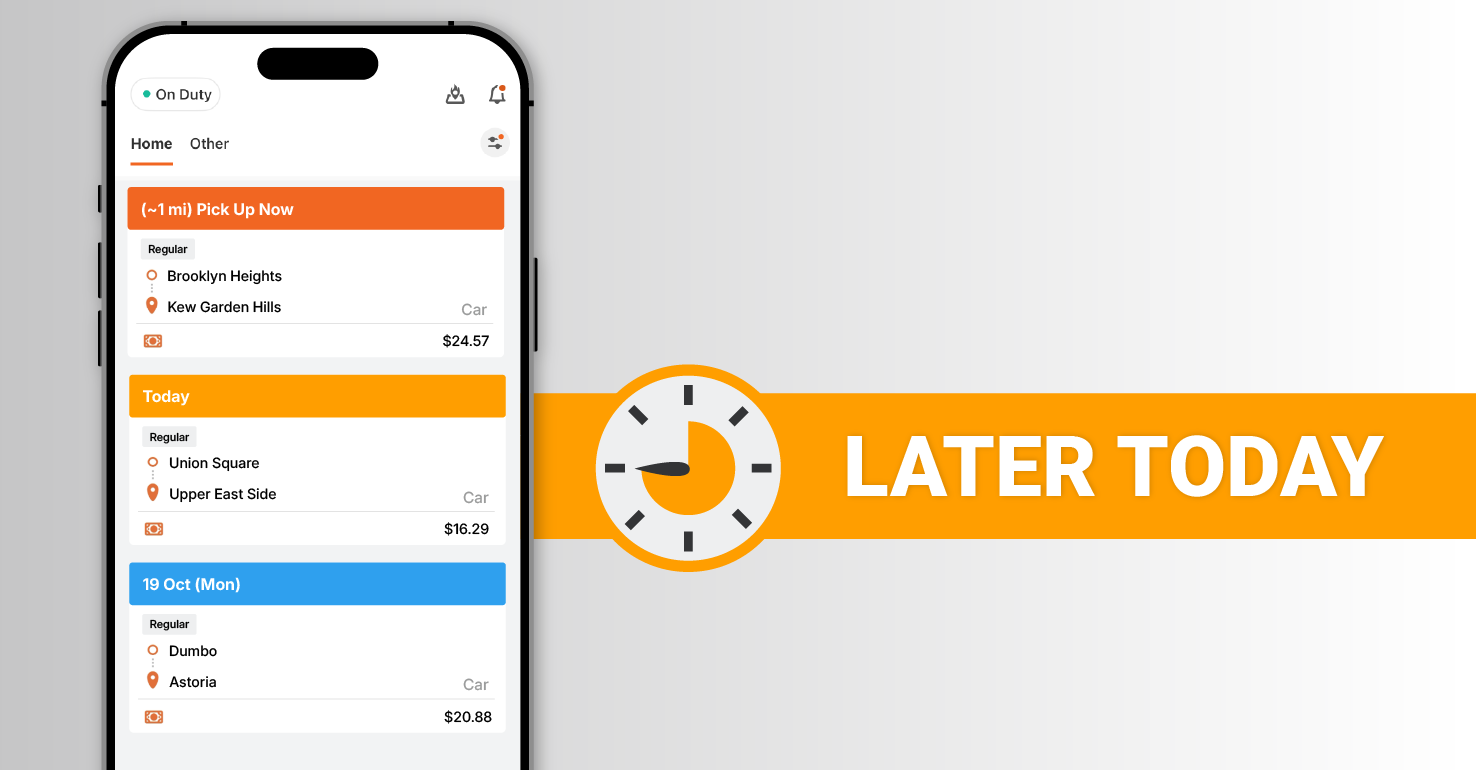
Orders with an orange bar mean the pickup is scheduled for later the same day. Check both the pickup date and time before accepting the order so you can plan ahead and arrive at the correct time.
Blue: Future Pickup
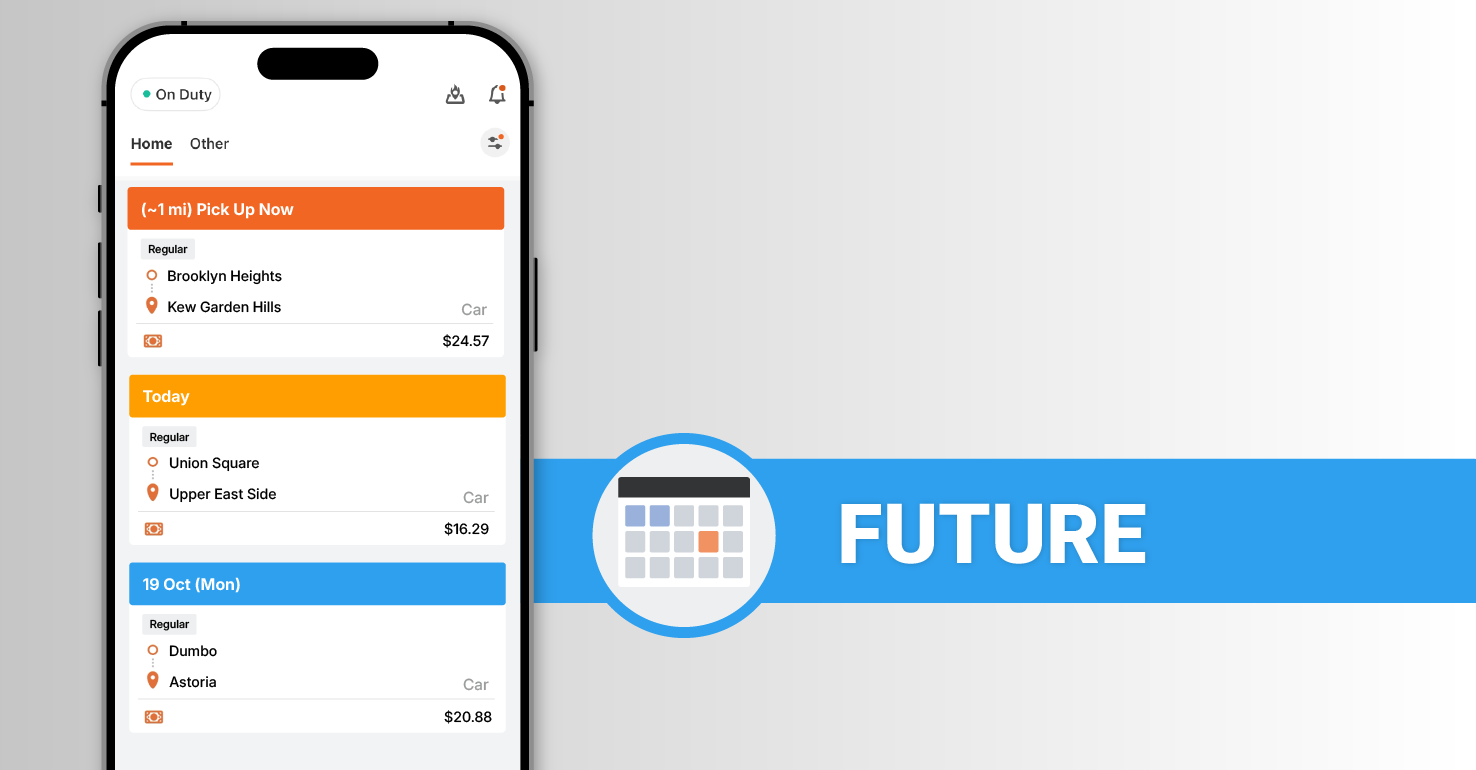
Orders with a blue bar mean the pickup is for a future date. Since the pickup could be anywhere from the next day to the following week, Delivery Partners need to closely check the pickup date and time.
Quick Tips Before You Head to the Pickup
Before heading to your pickup, keep these tips in mind:
-
Review the order details before accepting. Check the pickup and drop-off addresses, scheduled time, and customer notes to make sure you have the information you need before accepting the order.
-
Contact the customer right away. As soon as you accept an order, reach out to confirm the order details and ask about any special pickup instructions. With the Driver app, you can easily call or message the customer.
-
Keep communication open. If you have questions or run into an issue that could affect the pickup or drop-off, contact the customer right away.
Frequently Asked Questions

Review the order details, then contact the customer to confirm pickup details and any special instructions.
Check the order details in the Driver App to confirm the scheduled pickup date and time. If you still have questions, contact the customer. For additional support, reach out to the Lalamove team through the in-app chat.
For any additional questions, reach out to info@lalamove.us for help.