


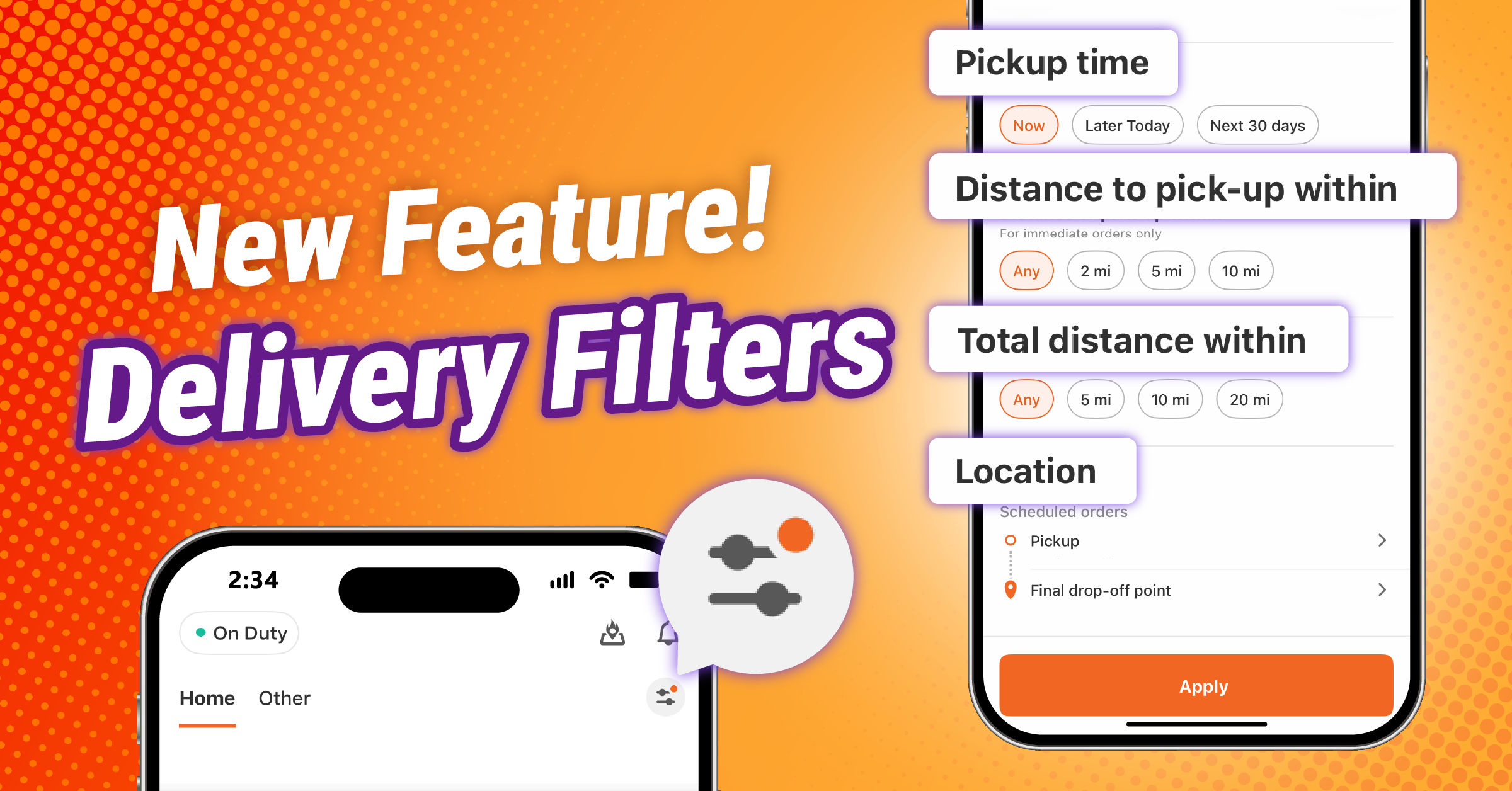
The Driver App’s Pickup tab now has a refreshed look and new features designed to give you more control over the orders you see.
It’s easier to browse available orders and customize filters to find orders based on how and when you want to drive.
Here’s a closer look at what’s new.
A clearer way to browse available orders
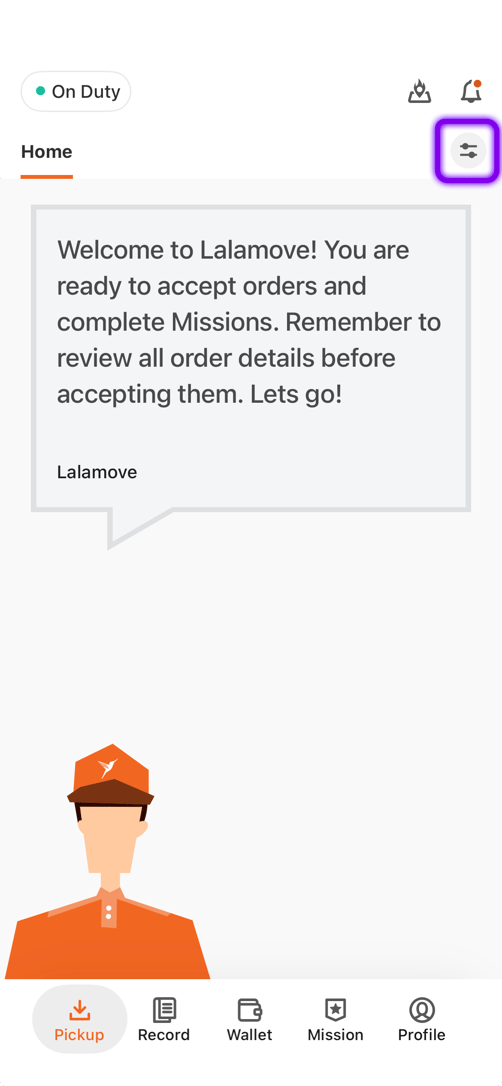
The Pickup tab will still show all available orders, but now you can apply filters to see orders based on your preferences and schedule.
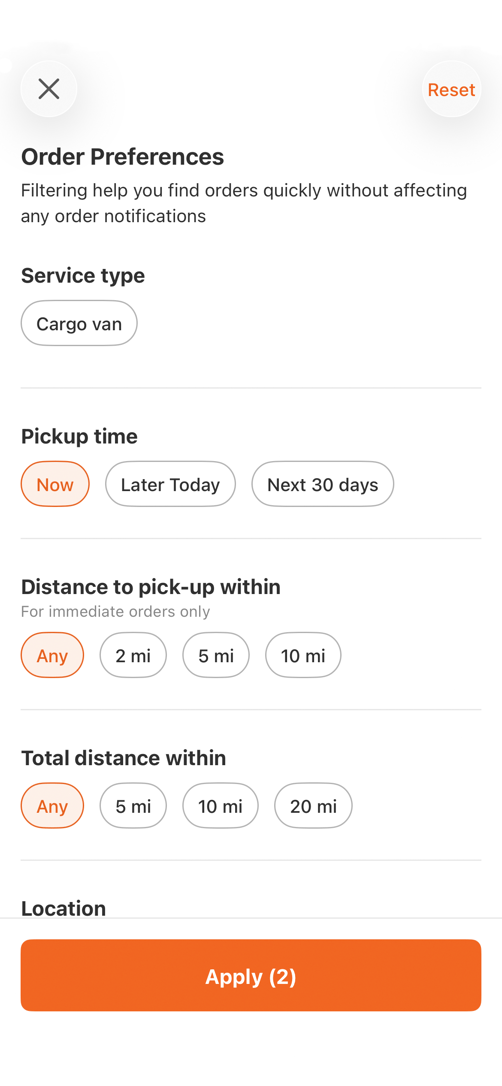
Looking for orders you can pick up immediately? Or planning ahead and want to see orders with a later pickup time? There’s a filter for it.
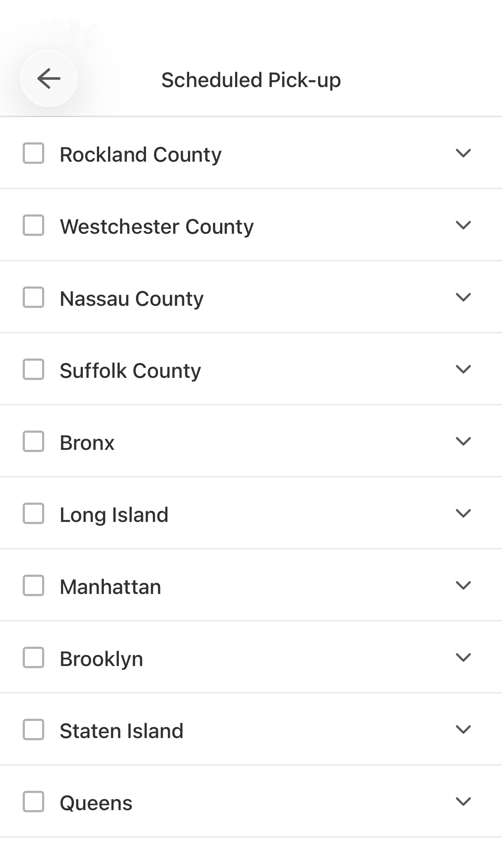
You can also choose the areas you want to pick up and drop off orders in.
See and manage your filters at a glance
Your active filters are visible in the Pickup tab.
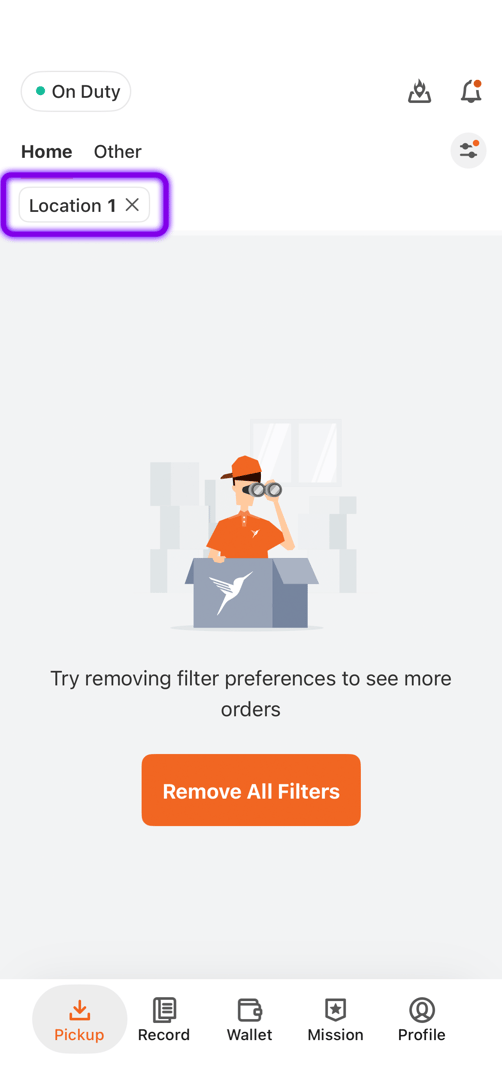
Want to remove a filter? Just tap the X on the specific filter or tap the “Remove All Filters” button. This feature makes it easier to see which preferences are affecting the orders you see and make adjustments when your plans change.
Find orders that fit your day
The updated Pickup tab gives you more control. Browse the full order list, customize your preferences, and check your active filters to find orders that work for you.
Explore the new Pickup tab in the driver app today!
Frequently Asked Questions

Lalamove Driver Partners have the flexibility to take on as many or as few orders as they want at any time of the day.
Currently, five vehicle types are accepted to drive with Lalamove: bikes, sedans, SUVs, cargo vans, and sprinter vans.
Typically, the approval process takes two to five business days.
For any additional questions, reach out to info@lalamove.us for help.